See your direction.
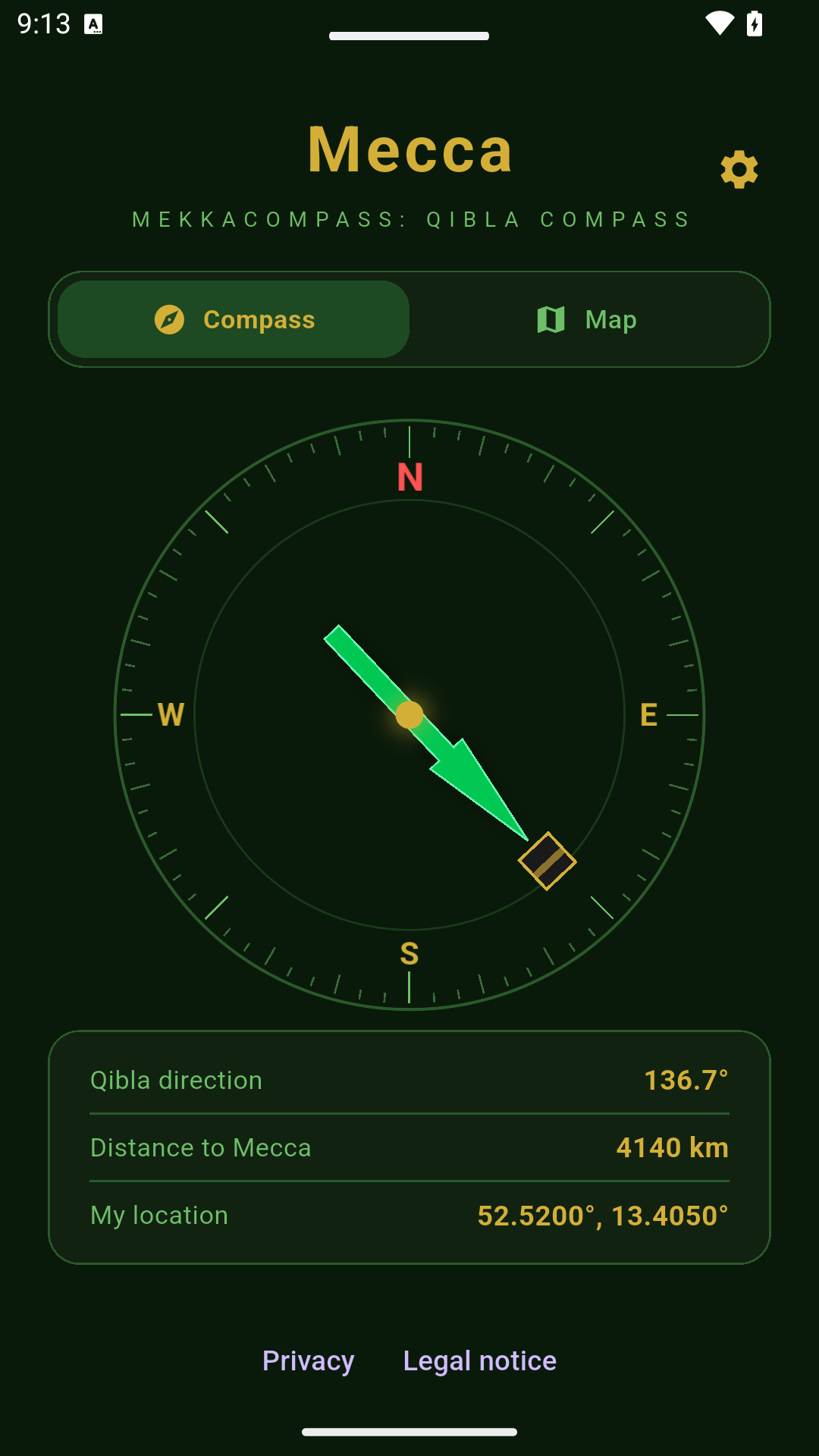
The compass combines your location with your device’s orientation to show the direction to Mecca.
 MeccaCompass
MECCA COMPASS
Find your direction to Mecca. Mecca Compass brings together a clear Qibla compass, distance and a map – helping you orient yourself at home and on the move.
LESS SEARCHING. MORE CLARITY.
The compass combines your location with your device’s orientation to show the direction to Mecca.
See the calculated distance from your location to Mecca. Direction and distance are calculated on your device.
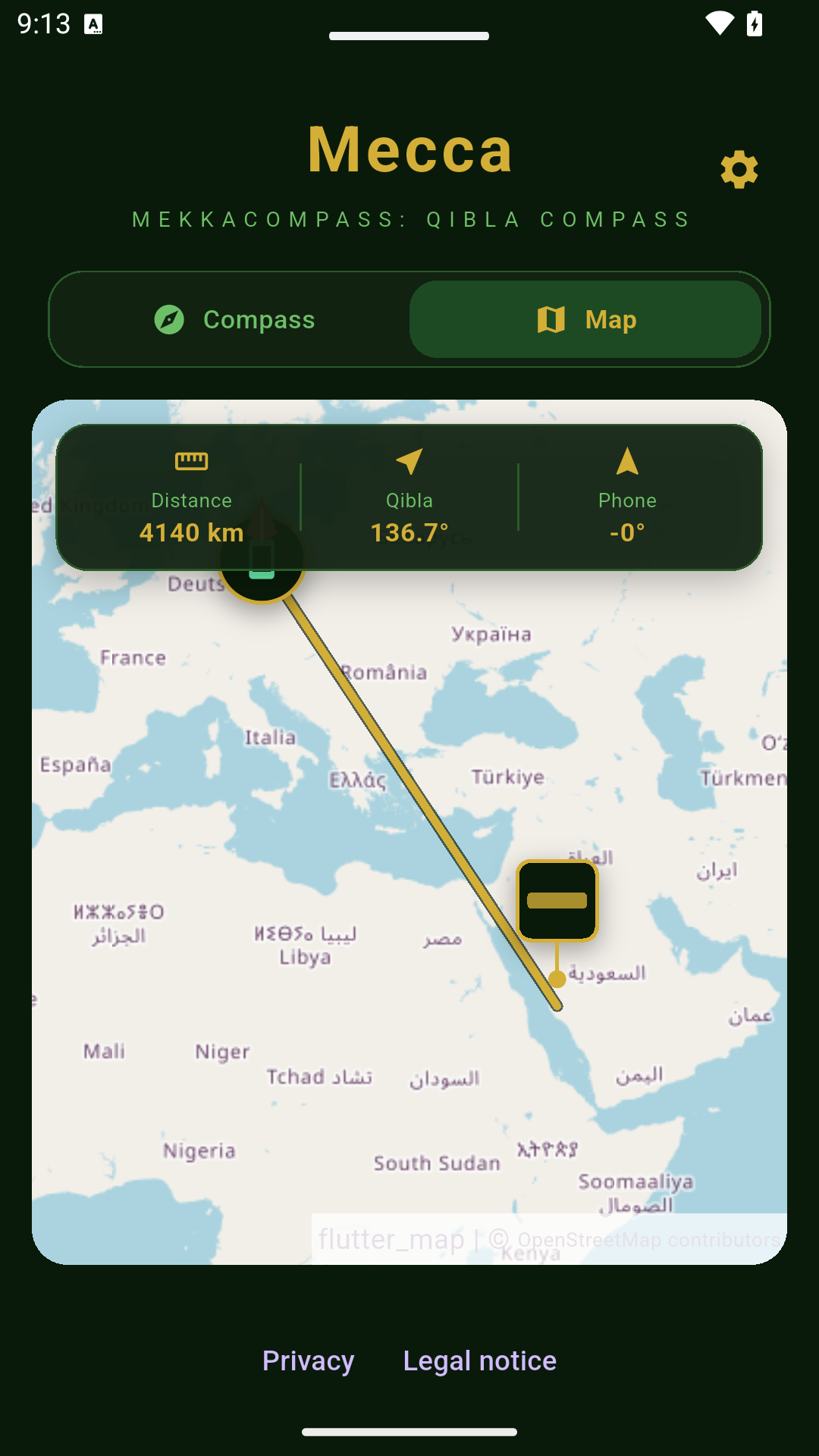
Switch to the map to put your location and direction into context. Map tiles are loaded from OpenStreetMap.
INSIDE THE APP
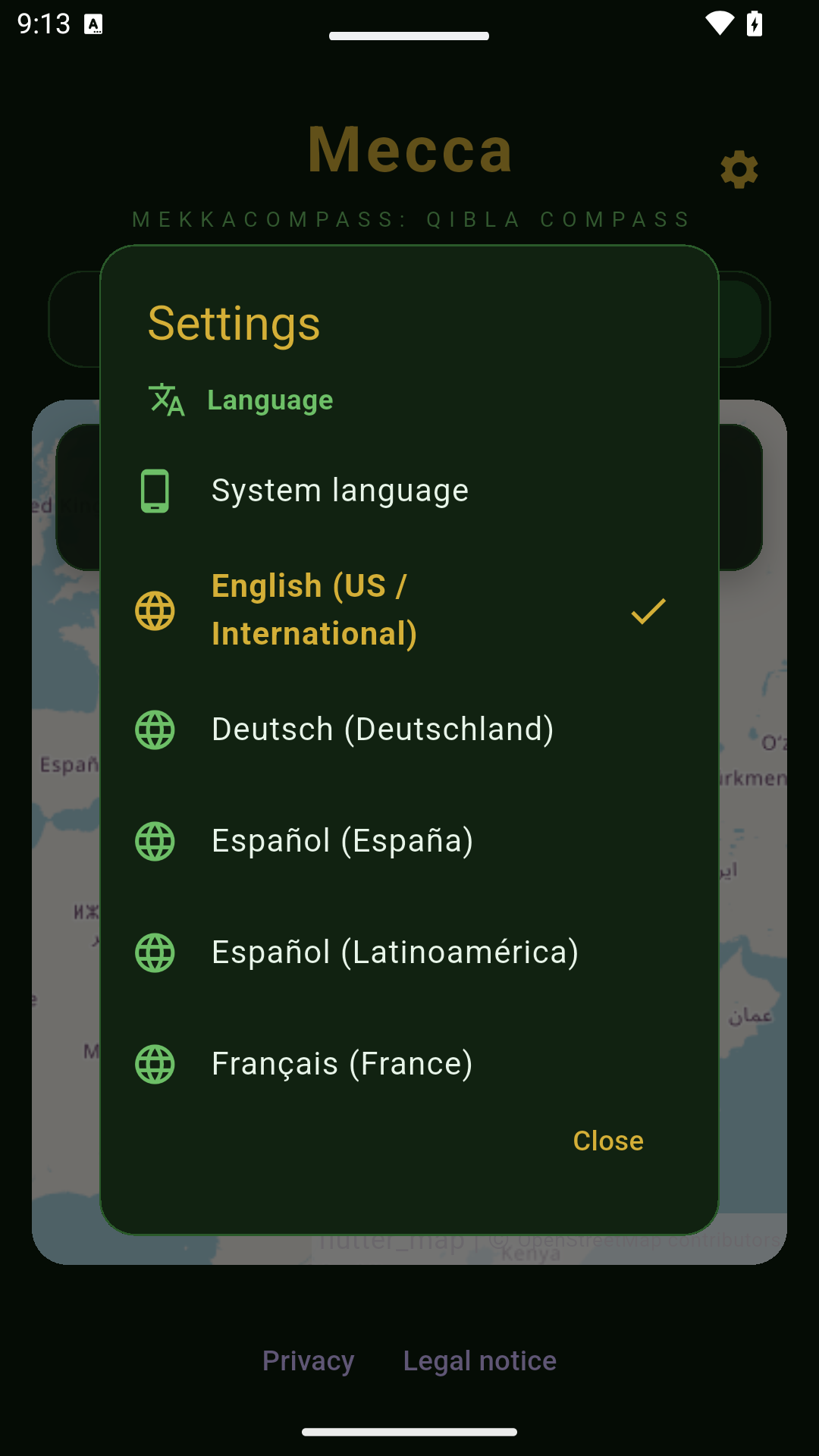
Real screenshots of the Android app, captured with a sample location in Berlin. Readings on your device may differ.
THREE SIMPLE STEPS
Choose a language in the app settings. Your choice is saved on your device.
Give the app access to your location so it can calculate the direction from where you are.
Keep your device approximately level and away from magnetic interference. Calibrate the compass when prompted.
Follow the compass or switch to the map. Direction and distance help you get your bearings.
GOOD TO KNOW
The Qibla direction depends on where you are. The app uses your location to calculate the direction and distance to Mecca.
The rotating compass view requires a suitable direction sensor. Its accuracy depends on the sensor and calibration.
Metal, magnets and electrical devices can affect the compass. Move away from interference and calibrate the sensor when needed.
The map view loads tiles from OpenStreetMap and needs an internet connection. Direction and distance calculations run locally.
The app’s privacy policy explains location access, map providers and your rights. It is always linked in the footer.
Practical guides
A practical guide to checking your location and compass before using a Qibla direction app while travelling.
Why magnetic interference affects a Qibla compass and how to check and calibrate your phone before reading the direction.
MECCA COMPASS